How to Find and Use KFC Promo Codes for Maximum Savings

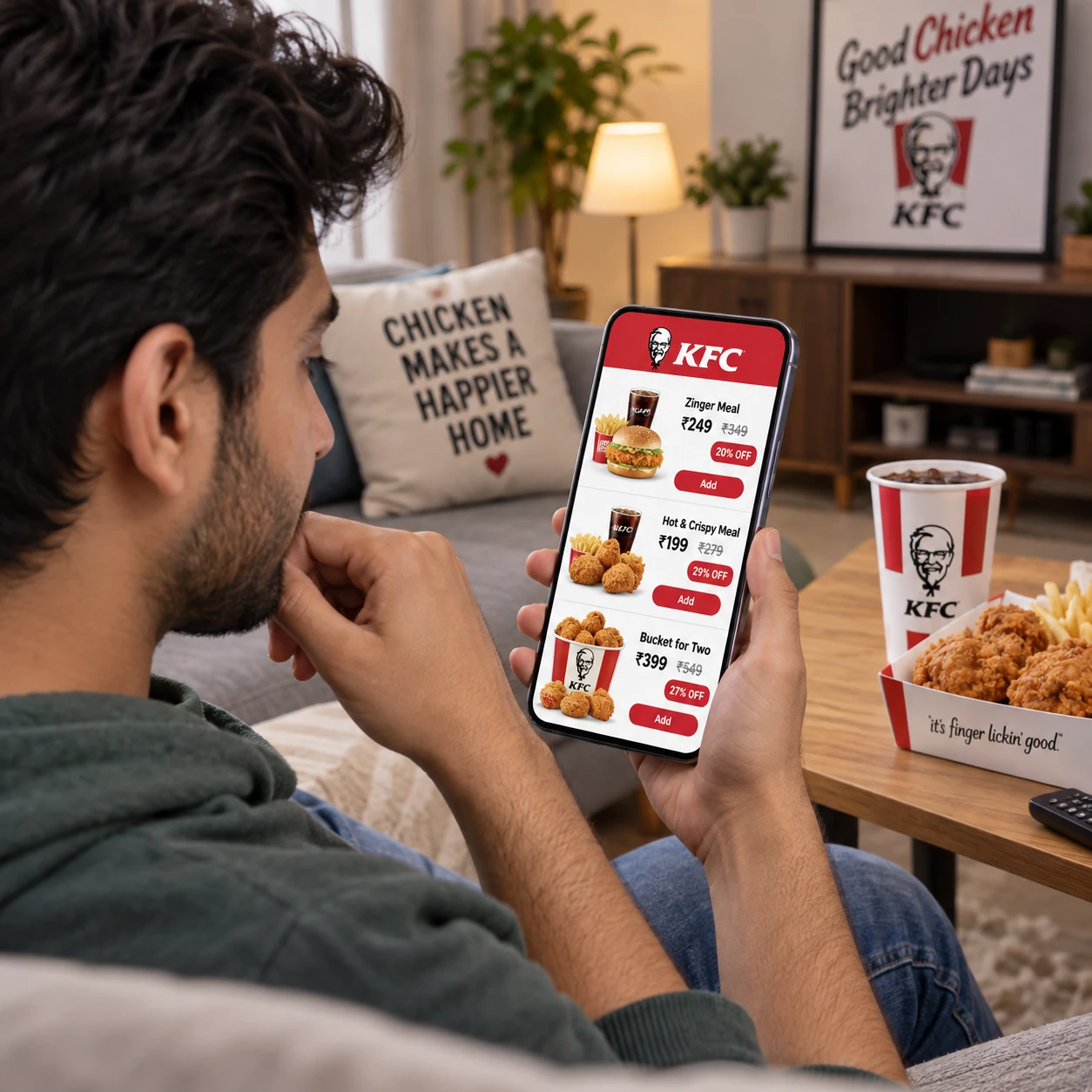
KFC promo codes can lower the cost of an order, but a code is only useful if it applies to your location, selected items, and ordering method. Check official offers first, read the conditions, and confirm the discount appears in your order total before paying.
A quick comparison with KFC combo meals and other menu deals can also reveal whether a code actually saves you more. Here’s a practical way to find, check, and use offers without relying on outdated listings or assuming every promotion works everywhere.
Where to Find KFC Promo Codes
Look for KFC promo codes and coupons in the KFC app and on the official KFC website first. These channels are the most direct way to see offers available for your selected location and ordering method.
Start by setting your location in the app or website, then check sections labeled Offers, Deals, or similar. Some promotions may appear as a redeemable offer rather than a code you need to type. If you receive KFC emails or app notifications, review those too; availability and terms can change over time.
Third-party coupon websites may list additional codes, but treat them as leads, not guarantees. A listing can remain online after its expiration date or omit details such as participating locations and eligible menu items. Before building your order around one, check the offer terms and test it during checkout.
- Set your location before searching so you see relevant offers.
- Check the KFC app and website for official coupons and deals.
- On third-party listings, look for a recent verification date and complete terms.
- Save the code and its conditions, including any minimum purchase requirement.
How to Check Whether a Promo Code Is Valid
A KFC promo code is valid for your order only when it is unexpired and meets the offer’s location, purchase, item, and ordering-method requirements. The checkout screen is the most useful final test because it shows whether the discount applies to your specific basket.
Read the fine print before adding items. Check the expiration date, participating restaurants, minimum spend, eligible products, and whether the promotion is limited to pickup, delivery, or another channel. An offer may apply to a particular bucket or combo meal but exclude individual items, add-ons, or substitutions.
Also check how the minimum purchase is calculated. Taxes, delivery fees, and service charges may not count toward the qualifying subtotal. If the offer requires a certain spend, compare the eligible food subtotal with that threshold instead of assuming the full amount due qualifies.
When a listing is vague, avoid placing an order solely on the expectation of a discount. Add the eligible items, enter or select the offer, and confirm that the displayed total changes before submitting payment.
How to Apply a KFC Promo Code Online or in the App
To apply a KFC promo code, choose your location and order items, open the offer or promo-code field at checkout, enter the code exactly as shown, and verify the revised total before paying. The app may also let you activate an offer without typing a code.
- Choose a restaurant. Set the location first because available coupons and menu items can vary by restaurant.
- Select your order method. Pick pickup or delivery before applying an offer, since some codes work only with one method.
- Add eligible items. Meet the minimum purchase requirement using qualifying menu items.
- Enter or activate the offer. On the KFC website, look for a promo or coupon field during checkout. In the KFC app, check the offers area and follow the redemption instructions.
- Review the order summary. Confirm the discount appears and inspect the final total, including fees and taxes, before placing the order.
Type a code carefully, including any letters, numbers, or formatting shown. If the offer is selectable in the app, use that option rather than trying to enter its description as a code. Keep in mind that the interface can differ by location and may change as KFC updates its ordering platforms.
Using Promo Codes for Pickup or Delivery
KFC promo code eligibility can differ between pickup and delivery, so select your preferred order method before relying on an offer. A code shown for one channel may not appear or apply to another.
For pickup, confirm the selected restaurant participates and check whether the offer is limited to app or website orders. For delivery, review the terms closely: delivery availability, fees, and eligible promotions may depend on your address, restaurant, and ordering platform. A code found on a third-party delivery service may have different conditions from an offer on the KFC website.
Compare the final amount due rather than looking only at the discount label. A delivery offer may reduce the food subtotal while delivery and service fees still apply. Pickup can sometimes avoid delivery charges, but it may not be the better choice if travel costs or convenience matter more to you.
Before checkout, confirm the delivery address or pickup location, the correct order method, and the applied discount. Changing any of these details can affect which offers are available.
How to Get More Value from KFC Deals
To get more value, compare the discounted order total with KFC combo meals and current menu deals, using the items and portions you actually want. A promo code is not automatically the cheapest option if it encourages you to spend more than planned.
Use a simple three-part check: compare the eligible food total, the final checkout total after fees, and the amount of food you expect to use. For example, a code with a minimum spend may require adding an item. If that pushes the order above what you intended, a combo meal or existing offer could be better value.
- Compare the same items across a promo code, combo meal, and current offer.
- Check whether the code applies to the full order or only specific items.
- Include taxes, delivery charges, and other fees in your comparison.
- Choose portions that fit the number of people eating, rather than buying extra just to reach a threshold.
Offers may not combine. If a coupon cannot be used with another promotion, test the available options separately and compare their final totals. This is more reliable than judging a deal by its headline discount alone.
Common Promo Code Problems and Fixes
Most KFC promo code problems come down to an expired offer, a location or order-method mismatch, excluded items, or an unmet minimum purchase. Check those conditions first, then retry the code before placing the order.
- Code is expired: Coupon sites may keep old listings live. Check the end date and look for a current offer in the KFC app or website.
- Restaurant or location is ineligible: Offers can vary by participating location. Confirm the selected restaurant and, for delivery, the address.
- Order does not qualify: The basket may be below the minimum or include items excluded from the promotion. Review the eligible-item list and qualifying subtotal.
- Pickup or delivery does not match: Switch to the ordering method named in the terms, if it suits your plans, and check whether the offer becomes available.
- Another deal is already applied: Some codes cannot be combined with other coupons or offers. Remove the existing promotion and compare the totals one at a time.
If the code still fails, check for typing errors and make sure you are entering it in the correct field. Do not complete payment unless the order summary shows the discount you expected. If official offer terms appear to be met but the code will not apply, contact KFC customer support or the restaurant before ordering.
Saving Mindfully When Ordering Fast Food
Saving mindfully means choosing an offer that reduces the cost of a meal you already want, while checking that the portion and items suit your preferences. A discount can make a planned order cheaper, but it does not make an unnecessary add-on a saving.
Before ordering, decide how many people you’re feeding and what kind of meal you want. Then compare eligible KFC promo codes with combo meals and other current offers. If you prefer a smaller portion or a particular side, choose based on that preference rather than spending more to unlock a coupon.
That approach keeps the decision practical: find an offer, verify its terms, and compare the final total with the order that best fits your needs. Menu prices, participating restaurants, and promotions can change, so use the checkout summary as your final reference.
Frequently Asked Questions
Where should I look for KFC promo codes? Start with the KFC app and official website, after setting your location. Third-party coupon listings may help, but verify their terms and test the code at checkout.
Why is my KFC promo code not working? It may be expired, restricted to another location or order method, or limited to certain items or a minimum purchase. Check the offer terms and confirm the qualifying subtotal.
Can I use a KFC promo code for delivery? Sometimes. Delivery eligibility varies by offer, location, and ordering platform. Select delivery first and check that the discount appears before paying.
Can KFC promo codes be combined with other offers? Some promotions cannot be combined. Review the terms and compare the final order total with each offer applied separately.